
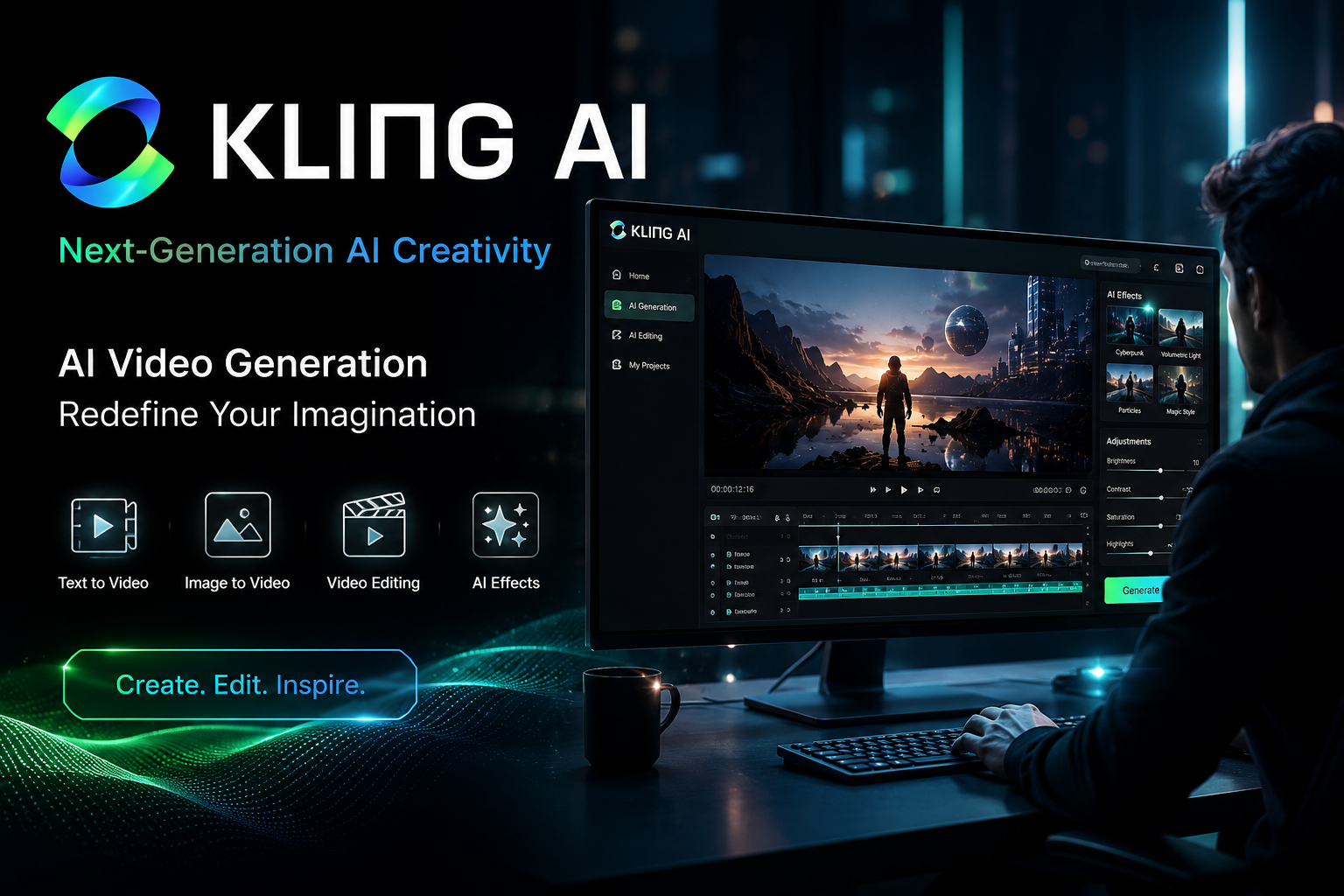
I’ve tested every major AI video generator that’s come out in the past two years. Sora, Runway Gen-3, Pika, Veo, Seedance—you name it. And if there’s one thing I’ve learned, it’s that the gap between a demo and a workhorse is enormous.
Most AI video models are great at one thing: generating a single, impressive clip that looks incredible in isolation. But try to build a sequence. Try to maintain a character across shots. Try to generate sound that actually matches what’s happening on screen. And suddenly, the magic trick falls apart.
Kling AI, developed by Chinese tech giant Kuaishou, has been on my radar since its mid-2024 launch. But the 3.0 release in February 2026 is different. This isn’t another incremental update. It’s a fundamental shift in what AI video generation can actually do.
Independent reviewers have rated Kling 3.0 at 8.1/10 for visual fidelity, placing it among the highest-scoring AI video models available—on par with or slightly above Google’s Veo 3.1 for general-purpose video generation.
But here’s what I actually care about: does it solve the problems that make AI video impractical for real work? Let’s find out.
What Actually Is Kling AI in 2026?
Kling AI is a multimodal generative AI platform developed by Kuaishou Technology. It launched globally in mid-2024 and has since become one of the most widely used AI video generators, with over 45 million creators worldwide generating more than 200 million videos and 400 million images as of mid-2025.
The current version—Kling 3.0—was announced on February 5, 2026, and includes four core products:
- Kling Video 3.0 (Standard text-to-video)
- Kling Video 3.0 Omni (multi-shot + native audio)
- Kling Image 3.0 (text-to-image)
- Kling Image 3.0 Omni (unified image+video workflow)
The underlying architecture is a Diffusion Transformer (DiT) with Kuaishou’s proprietary 3D VAE for synchronized spatial-temporal compression. In plain English: it’s built to understand not just what’s in a frame, but how things move and change over time.
The Shift That Matters: From Clip Generation to Directed Production
Here’s the thing about most AI video tools: they treat every generation as a single, isolated clip. You write a prompt, you get a video, and you hope it does what you want. If you need a sequence of shots—a wide establishing shot, a close-up, a tracking shot—you’re generating each one separately and stitching them together in post-production, praying that the character doesn’t change appearance between takes.
Kling 3.0 solves this with multi-shot storyboarding.
You can now generate up to six distinct camera shots in a single generation pass, each with its own prompt and duration, stitched together into one continuous video. This is the kind of feature that sounds minor until you actually use it.
Let me give you a concrete example from the documentation:
- Shot 1 (4 seconds): Wide establishing shot of a forest clearing at golden hour. Mist hangs low between the trees.
- Shot 2 (3 seconds): Close-up push-in on a paper lantern hanging from a branch. The flame flickers.
- Shot 3 (5 seconds): A cloaked figure walks into frame from the left. Camera tracks alongside.
One prompt. One generation. Three distinct shots with different framing, pacing, and camera language. And the character remains visually consistent across all of them.
This is what “directable” means in practice. You’re not just describing a scene—you’re directing one.
Practical insight: If you’re creating ads, trailers, music videos, or short-form storytelling, this feature alone makes Kling worth considering over competitors that produce prettier individual clips but drift when asked for a sequence.
Native Audio: The Feature That Changes Everything
Until recently, AI video generation and audio generation were two completely separate workflows. You’d generate the video, then use a separate tool to add sound effects, music, or dialogue, and then spend time syncing everything up.
Kling 3.0 generates audio simultaneously with video pixels in a single pass.
This isn’t lip-syncing bolted on after the fact. Dialogue, narration, ambient sound, and sound effects are all synthesized alongside the visual output. Rain sounds when rain falls. Footsteps match walking pace. City ambience reinforces spatial depth.
The audio system supports English, Chinese, Japanese, Korean, and Spanish, including regional dialects and accents.
Here’s what this means practically: if you’re generating a video of a glass bottle rolling across a wooden table and falling onto a rug, you get the rolling sound, the muted impact, and the room ambience—all in one generation. No post-production audio work required.
The trade-off: Native audio increases cost by about 33% (from $0.112 to $0.168 per second for Pro). You can disable it if you’re working on silent clips or planning to add audio separately.
Image-to-Video: Where Kling Separates From the Pack
Text-to-video is impressive. But image-to-video is where Kling truly excels.
Independent reviewers have called Kling 3.0 Pro “the highest-scoring image-to-video model available today.” The core advance is what Kuaishou calls “universe-strongest consistency”—subjects retain their visual identity across camera angles, shot transitions, and scene changes, even during complex movements.
You can upload both a starting image and an ending image, and the model generates a smooth transition between the two. This opens up creative possibilities: product transformations, before-and-after reveals, time-lapse effects, seamless scene transitions.
Real-world example: A product marketing team can take a photo of a product in a warehouse and an ending image of the same product in a lifestyle setting, and Kling generates a cinematic transition showing the product being “placed” into the scene. No reshoots. No studio time.
The image-to-video workflow also supports start/end frame guidance, giving you precise control over the beginning and end of your clip.
Kling AI Pricing: What You Actually Pay
Let’s cut through the marketing. Here’s what Kling AI actually costs in mid-2026:
| Plan | Monthly Price (First Term) | Monthly Credits | Per-Second Cost (Pro, audio off) | Commercial Use |
|---|---|---|---|---|
| Basic | $0 | None | N/A | ❌ No |
| Standard | $6.99 | 660 | ~$0.112 | ✅ Yes |
| Pro | $25.99 | 3,000 | ~$0.112 | ✅ Yes |
| Premier | $64.99 | 8,000 | ~$0.112 | ✅ Yes |
| Ultra | $127.99 | 26,000 | ~$0.062 | ✅ Yes |
Source: Official Kling AI pricing
Important caveats:
- The prices shown are first-subscription discounts. Standard renews at $8.80/month, Pro at $32.56/month, Premier at $80.96/month.
- Free tier is for testing only. Output is watermarked, capped at lower resolutions, and not licensed for commercial use.
- The real reason most people upgrade isn’t the credits—it’s the commercial license and watermark removal.
- Per-second pricing on Pro: $0.112 with audio off, $0.168 with audio on, $0.196 when voice control is layered in.
For comparison, a 10-second Kling 3.0 Pro clip with audio costs **$1.68**. A 10-second Seedance 2.0 clip costs $3.03.
Kling AI price in India: Pricing is in USD, so Indian users pay the converted amount plus any applicable taxes. The Standard plan at $6.99 works out to roughly ₹580-600 at current exchange rates, making it one of the more affordable professional-grade options available globally.
Kling AI vs Sora vs Runway vs Veo: The Honest Comparison
Here’s the truth nobody in the AI video space wants to say out loud: there is no single best model. Each excels at specific tasks, in specific styles, under specific conditions.
| Model | Best For | Price (per second) | Max Duration | Multi-Shot | Native Audio |
|---|---|---|---|---|---|
| Kling 3.0 Pro | Structured multi-shot, character consistency, value | $0.112-$0.168 | 15s | ✅ Up to 6 shots | ✅ |
| Sora 2 Pro | Beautiful single takes, long clips | $0.30-$0.70 | 20s | ❌ | ✅ (bundled) |
| Runway Gen-4.5 | Editing, video-to-video workflows | Varies | 45s | Limited | ❌ |
| Google Veo 3.1 | Reliable, consistent output | Enterprise pricing | ~60s | Limited | Limited |
Where Kling wins:
- Multi-shot composition. This is Kling’s killer feature. No other model lets you storyboard six shots in one generation.
- Character consistency. The element referencing system (@Element1, @Element2) maintains visual identity across shots and even across separate generations.
- Price-to-performance ratio. At $0.112/second, Kling is significantly cheaper than Sora 2 Pro at $0.30-$0.70/second.
Where Kling loses:
- Stylistic range. Kling is optimized for photorealism and everyday scenes. Try to generate anything abstract, surreal, or heavily stylized, and it falls flat.
- Duration. Max 15 seconds per generation. Sora can do 20 seconds in a single take. Runway can do 45 seconds.
- Audio cost. Sora bundles audio; Kling charges extra (33% premium).
The Limitations Nobody Talks About
Let’s be real about where Kling struggles.
1. Learning curve is steeper than competitors. The average user requires 3-5 hours of practice to achieve professional-quality results. This isn’t a tool you open and immediately master. The multi-shot prompting, element referencing, and motion control all require deliberate practice.
2. Stylistic limitations. Kling is designed for photorealism. If your project requires anime, illustration, surrealism, or any heavily stylized aesthetic, you’ll be frustrated. The model’s stylistic range is narrow—but within that range, it’s excellent.
3. Generation times. Expect 3-5 minutes per clip for standard generations. This isn’t real-time. Plan your workflow accordingly.
4. Character consistency isn’t perfect. While Subject Consistency 3.0 is a major improvement, characters can still drift across separate generations. The element referencing system helps, but it’s not foolproof.
5. NSFW content is strictly prohibited. Kling AI maintains a zero-tolerance policy for NSFW content, with three-tier moderation: prompt screening, real-time generation limits, and output inspection.
6. Customer service issues. There have been documented cases of contract disputes and difficulty getting refunds. If you’re a business relying on Kling for production, have a backup plan.
Security, Privacy, and Content Policy
This matters more than most reviews admit.
Data usage: Kling AI trains on user inputs with a revocable opt-out. It owns outputs with sublicensable reuse rights and provides standard GDPR-style data rights with vague retention policies.
Content moderation: The model operates under strict censorship rules that align with Chinese government regulations, preventing the generation of content related to sensitive topics such as politics, protests, or criticism of the government.
Security risks: In May 2025, a malware campaign was discovered that used fake Kling AI websites and advertisements to distribute infostealer malware. Always use the official website (klingai.com) or official app stores.
Commercial rights: Only paid plans (Standard and above) grant commercial use rights. Free tier output is watermarked and non-commercial.
Who Should Use Kling AI (And Who Shouldn’t)
Use Kling AI if:
- You’re creating photorealistic video with human subjects doing human things
- You need multi-shot sequences (ads, trailers, product demos, short films)
- You want native audio synchronized with visuals
- You’re budget-conscious but need professional quality
- You work in Chinese-language content (Kling’s Chinese prompt understanding is exceptional)
Avoid Kling AI if:
- You need stylized or abstract visuals (anime, illustration, surrealism)
- You require longer than 15 seconds per generation
- You work with NSFW or sensitive content
- You need real-time generation
- You’re not willing to invest time in learning the prompting system
FAQs
Is Kling AI free?
2. What is the Kling AI price in India?
A: Pricing is in USD. The Standard plan at $6.99 converts to approximately ₹580-600 plus taxes. Pro at $25.99 is roughly ₹2,150-2,200. Exchange rates and local taxes will affect the final price.
3. Can I use Kling AI for commercial projects?
A: Yes, but only with a paid plan (Standard or above). The free tier does not grant commercial use rights. Paid plans include full commercial licensing and watermark removal.
4. How does Kling AI compare to Sora?
5. Is there a Kling AI app or APK?
A: Yes. Kling AI is available on both the Apple App Store and Google Play Store. Be cautious about third-party APK downloads—there have been malware campaigns using fake Kling AI websites.
6. What resolution does Kling AI support?
7. Does Kling AI have an API?
A: Yes. Kling AI offers a full API with Python SDK support, available through platforms like Vercel’s AI Gateway and directly from Kling.
Final Verdict
Kling AI 3.0 is, in my opinion, the most practically useful AI video generator available in mid-2026.
It’s not the most beautiful—Sora still wins on pure visual quality when it works. It’s not the most flexible—Runway’s editing tools are unmatched. It’s not the most reliable—Veo’s consistency is best-in-class.
But Kling does something none of its competitors do well: it lets you direct a sequence, not just generate a clip.
The multi-shot storyboarding, the native audio, the character consistency, and the price-to-performance ratio make it the most production-ready option for creators who need to generate actual videos for actual projects—not just impressive demos.
Key Takeaways:
- Multi-shot storyboarding (up to 6 shots) is the standout feature
- Native audio saves significant post-production time
- Best for photorealistic, human-centric content
- Pricing starts at $6.99/month for commercial use
- Not suitable for stylized or abstract content
- Learning curve is real—budget 3-5 hours to get proficient
Who should use it: Marketers, advertisers, short-form content creators, indie filmmakers, product teams, and anyone who needs to generate sequences, not isolated clips.
Who shouldn’t: Artists working in stylized aesthetics, teams needing real-time generation, or anyone who isn’t willing to invest time in learning the prompting system.
Next steps: Start with the free tier to test the water, then upgrade to Standard ($6.99/month) for commercial rights. Spend your first few hours practicing multi-shot prompting—that’s where the real value lies.
Have you tested Kling AI? What’s your experience with the multi-shot feature? Share your thoughts in the comments below.
For regular updates about the AI, AI tools, AI guides, technology & more. Visit, The TechUnfoldedAi.com.
Related reading:
Leave a Reply