
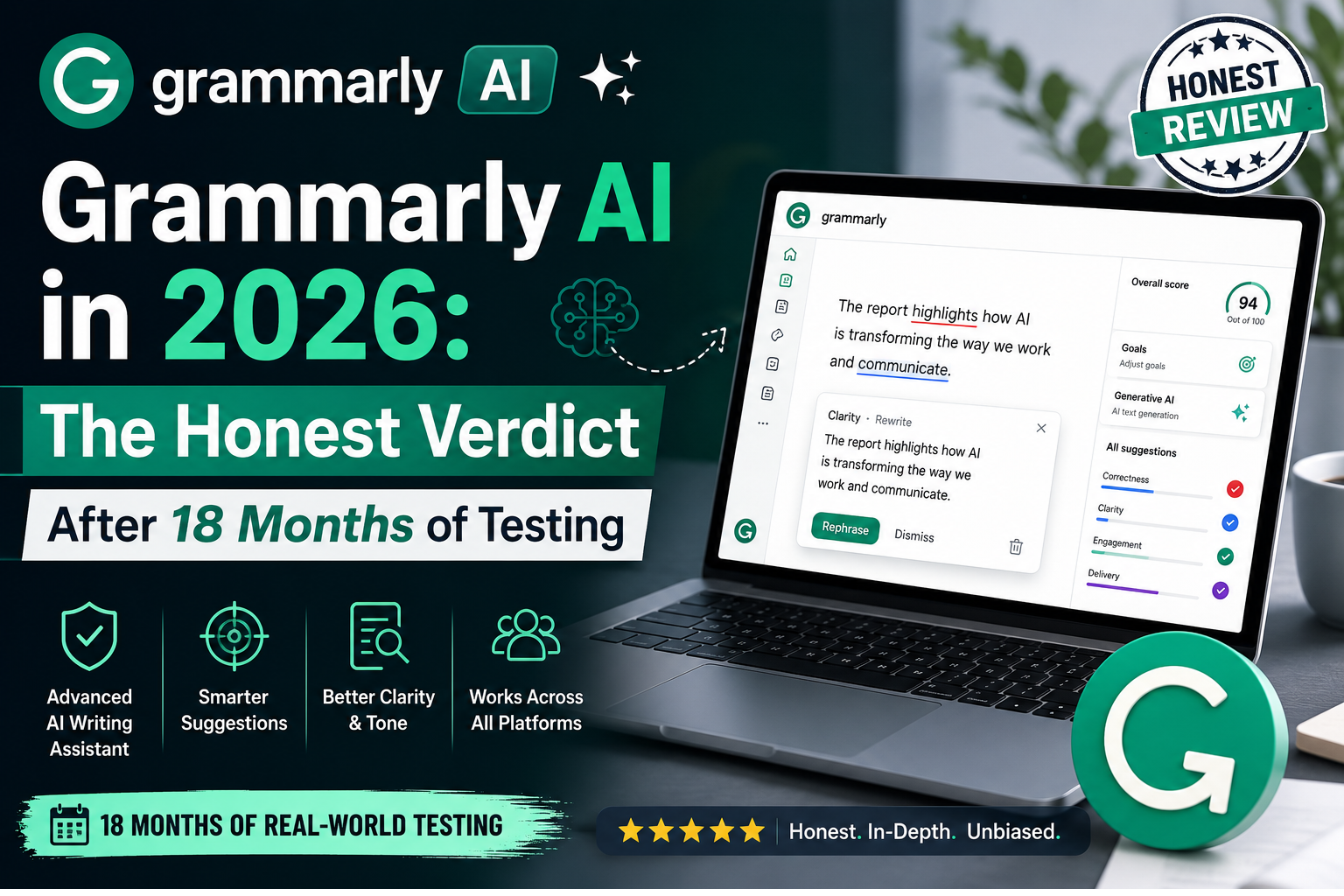
Here’s the honest answer most reviews won’t give you: Grammarly is still the best inline writing assistant for real-time error correction across every app you use, but for proficient English writers already paying for ChatGPT or Claude, the Premium tier is largely redundant.
I’ve tested Grammarly alongside Claude and ChatGPT as daily writing tools for 18 months. The landscape has shifted dramatically in that time. What was a no-brainer subscription in 2023 now requires a more nuanced calculation.
The company itself has transformed. Grammarly rebranded its parent company as Superhuman in late 2025, positioning itself as a broader AI productivity platform rather than just a grammar checker. The Grammarly writing tool now sits alongside Superhuman Go (a cross-app AI assistant) and Coda’s collaborative workspace. But branding changes don’t automatically deliver value.
Pricing: Where the Trap Hides
Let’s cut through the marketing. Here’s what Grammarly actually costs in 2026:
| Plan | Annual Price | Monthly Price | Best For |
|---|---|---|---|
| Free | $0 | $0 | Casual writers, basic corrections |
| Premium | ~$12/month (~$144/year) | $30/month | Professionals, frequent writers |
| Business | ~$15/user/month | — | Teams of 3+ needing style guides |
The monthly penalty is 150%. Paying month-to-month costs $30 versus $12 on annual billing. If you’re testing Grammarly, run a one-month trial at $30 rather than locking into a year.
The free plan is more useful than most people realize. It includes real-time grammar and spelling corrections, basic punctuation fixes, and tone detection across Gmail, Google Docs, Notion, LinkedIn, and Slack. For most casual professional email writing, it’s sufficient.
What you miss on free: clarity suggestions (restructuring convoluted sentences), vocabulary enhancement, plagiarism checking, and Grammarly GO generative AI.
The Business tier at $15 per member per month adds custom style guides, brand tones, team analytics, and admin controls. Worth it for teams of 3+ who need consistency. Not worth it for individuals.
What Grammarly AI Actually Does Well
The Integration Advantage
This is Grammarly’s irreplaceable advantage. It integrates into every app you use: Gmail, Google Docs, Notion, Outlook, Slack, LinkedIn, Word, and 500,000+ other sites via the browser extension. Corrections appear inline, underlined, one click to accept. You don’t open another tab, copy text, write a prompt, and copy back.
Proficient English writers often undervalue this workflow advantage because they don’t notice the friction of context switching. But it’s real, and it adds up.
Tone Transformation
I tested the tone transformation feature extensively on email drafts. In about 80% of cases, the rewrite was something I’d actually send. You can ask Grammarly to make a paragraph “more assertive” or “less formal” and get genuinely good results.
The Learning Curve
Grammarly now builds personalized writing profiles that learn your style over time and preserve your voice while correcting errors. This is subtle but meaningful. After a few weeks of use, the suggestions feel less generic and more aligned with how you actually write.
Multilingual Support
Grammarly now supports paragraph-level rewrites in Spanish, French, Portuguese, German, and Italian, plus instant inline translation. For multilingual teams, this is a genuine differentiator.
Where It Falls Short
Generative AI: Competent but Not Class-Leading
Grammarly GO produces acceptable drafts for emails, social media posts, and short business documents. For longer content or creative writing, dedicated AI tools like Claude or ChatGPT produce better results.
In independent studies, ChatGPT significantly outperformed Grammarly in correction accuracy across most grammar categories. Multiple LLM tools—ChatGPT-3.5, ChatGPT-4, Gemini, and Claude—all outperformed Grammarly for error detection and correction, with ChatGPT-4 leading.
Grammarly is an editing tool with some generation capabilities. ChatGPT is a generation tool with some editing capabilities. They’re not the same product.
Style Suggestions Are Hit-or-Miss
PCMag’s review notes that while Grammarly is “superb at catching spelling and punctuation errors,” its style suggestions “aren’t always useful”. This matches my experience. Some suggestions improve clarity. Others change meaning or introduce awkward phrasing.
The Generic Prose Problem
Users consistently report that Grammarly’s AI-generated prose can sound “way too generic and AI-like”. The tool smooths out rough edges but sometimes smooths out personality along with them.
No Screenplay Formats
For writers working in specialized formats, Grammarly doesn’t support screenplay formats or Markdown natively.
The AI Detection Paradox
This is where things get complicated. Grammarly now offers both an AI detector and an AI humanizer—tools that serve opposite purposes under one roof.
The Detector
Grammarly’s standalone AI Detector is free with a 1,000-word cap per scan. The company claims 99% detection accuracy and the #1 spot on the RAID benchmark.
Independent testing tells a different story.
One controlled study found 78.4% true positive accuracy for Grammarly, placing it behind Turnitin at 92.1% and Originality.ai at 89.7%, though ahead of ZeroGPT at 71.3%.
The real problem is paraphrasing. Once AI text is lightly edited or paraphrased, detection collapses. Proofademic clocked Grammarly at 95% on raw AI text but only 16% once that text was lightly paraphrased. Another 2026 test found detection dropped to 12-16% after paraphrasing.
The Humanizer
Grammarly’s AI Humanizer rewrites AI-generated text to sound more natural and human-like without changing meaning. It reduces generic language while preserving your voice and intent.
Here’s the paradox: Grammarly will detect AI text, then help you rewrite it so it’s no longer detectable. One test found Grammarly Pro reduced AI detection scores by an average of 47 points using its own Humanizer tool.
The Authorship Feature
This is Grammarly’s real differentiator. Authorship tracks how a document was created—identifying which parts were human-written, AI-generated, or AI-edited. More than 5 million Authorship reports have been generated by students to show instructors how they’re using AI responsibly.
At Rowan-Cabarrus Community College, this led to a 96% reduction in academic integrity violations in one semester.
But Authorship can be tricked by manual typing, and it won’t solve all problems around AI writing. It’s a transparency tool, not a cheat-proof solution.
Turnitin Detection
The short answer: Turnitin is significantly more accurate for AI detection in academic settings, consistently catching substantially more AI content than Grammarly. One study found Turnitin detected all fifteen LLM-generated essays perfectly with a 100% AI-generated score.
However, Turnitin’s AI detection feature was disabled from January 2026 across all campuses. The academic detection landscape is in flux.
For students: using Grammarly’s generative AI features (free or paid) is often not allowed and will likely result in academic misconduct allegations. Basic grammar and spelling corrections are generally acceptable, but generative features cross the line. Check your institution’s policy.
Read Also: 10 Free AI Tools for 2026 | Midjourney | DALL·E
The Privacy Problem Nobody’s Talking About
The Chrome Extension Risk
A 2026 privacy report from Incogni analyzed 442 AI-powered Chrome extensions. Among extensions with millions of downloads, Grammarly ranked as one of the most potentially privacy-damaging.
Grammarly collects website content, personal communications, and user activity data—which can include keystrokes, scrolling behavior, and navigation events. It requires scripting permissions that allow code injection into web pages and activeTab access to the current browser tab.
52% of AI-powered extensions collect some form of user data. Grammarly is among the most aggressive.
The security risk isn’t malicious intent—it’s the breadth of access and scale of the installed base. Most users have very little visibility into how much access they’re granting.
The Expert Review Disaster
In March 2026, Grammarly faced a class action lawsuit over its “Expert Review” feature. The feature generated AI editing suggestions “inspired by” named journalists, authors, and academics—none of whom consented.
The list included recently deceased professors, The Verge’s editor-in-chief, and numerous other tech journalists. Journalist Julia Angwin filed the class action.
Superhuman’s response? The feature had “very little usage” and was disabled “for a redesign”. But the damage was done. This wasn’t a technical glitch—it was a consent failure at the product design level.
Grammarly’s privacy policy claims it won’t train on your data without permission. But the Expert Review incident raises legitimate questions about how the company thinks about consent more broadly.
Grammarly vs. ChatGPT: The Real Comparison
| Factor | Grammarly | ChatGPT |
|---|---|---|
| Primary function | Editing and correction | Content generation |
| Workflow | Inline, no context switching | Separate tab, copy-paste |
| Grammar accuracy | High for surface errors | Higher for complex grammar |
| Content generation | Competent for short content | Superior for long-form, creative |
| Tone adjustment | Built-in, one-click | Requires prompting |
| Integration | 500,000+ apps | Limited |
| Price | Free–$144/year | Free–$240/year |
| Best for | Editing everything you write | Creating new content |
The main difference is simple: ChatGPT is a generative AI perfect for creating content from scratch. Grammarly is an editing tool that now does some generation.
For most people doing serious writing in 2026, ChatGPT at $20/month is the best all-around assistant, and Grammarly is the best add-on layer for catching mistakes everywhere you already type.
The overlap between ChatGPT and Grammarly Premium is 60-70% on the use cases Grammarly handles. If you’re a native English writer already paying for ChatGPT or Claude, Grammarly Premium is probably redundant spend.
Read Also: Latest AI Tools | How to Use AI in Daily Life
Who Should Pay and Who Should Skip
Pay for Grammarly Premium if:
- You write more than 5,000 words per week professionally
- English is your second language and you need contextual explanations
- You work in a corporate context requiring style consistency across a team
- You’re a student doing academic writing where grammar precision matters
- Your team needs brand style guides and centralized billing
Skip Grammarly Premium if:
- You’re a native English creative writer already using ChatGPT or Claude
- You primarily write in technical contexts where correctness is binary (code, specs, data)
- Your writing volume is under 5,000 words per week
- You’re a casual writer—the free plan covers your needs
- You’re uncomfortable with the privacy implications of a tool reading everything you type
Final Verdict
Grammarly remains the most polished inline writing assistant available in 2026. The free tier is genuinely useful. The Premium tier adds real value for frequent writers, non-native speakers, and teams.
But the AI writing space has exploded, and Grammarly has had to evolve fast to stay relevant. The company’s pivot to “Superhuman” and its broader AI ambitions are understandable, but the core product now faces legitimate competition from general-purpose AI tools that do many of the same things—often better.
The honest 2026 answer: if you’re a proficient English writer already paying for ChatGPT or Claude, adding Grammarly Premium is probably redundant spend. If you write in a second language, work in a corporate context, or need style consistency across a team, Grammarly is still hard to replace.
Score: 8/10 (Free) / 6.5/10 (Premium for native English speakers already using AI)
FAQs
1. Can Grammarly AI be detected by Turnitin?
A: Yes. Turnitin can detect Grammarly-generated content. One study found Turnitin detected all fifteen LLM-generated essays with a 100% AI-generated score. However, Turnitin’s AI detection feature was disabled from January 2026, and the detection landscape continues to evolve.
2. Is Grammarly AI cheating?
A: It depends on how you use it. Basic grammar and spelling corrections are generally acceptable in academic settings. Using Grammarly’s generative AI features (drafting, rewriting, tone changes) is often prohibited and may result in academic misconduct allegations. Check your institution’s specific policy.
3. Is there a free Grammarly AI humanizer?
A: Yes. Grammarly offers a free AI Humanizer tool that rewrites AI-generated text to sound more natural and human-like without changing the original meaning. It’s available with a free Grammarly account.
4. Is Grammarly AI safe and private?
A: Grammarly collects extensive user data including website content, personal communications, and user activity data. A 2026 privacy report ranked Grammarly as one of the most potentially privacy-damaging Chrome extensions. The company faced a class action lawsuit in March 2026 over using experts’ identities without consent in its “Expert Review” feature.
5. What’s the difference between Grammarly AI and ChatGPT?
A: ChatGPT is a generative AI for creating content from scratch. Grammarly is an editing tool that now does some generation. ChatGPT works in a separate tab; Grammarly integrates inline into every app you use. Independent studies show ChatGPT significantly outperforms Grammarly in correction accuracy.
Key Takeaways
- Free plan is genuinely useful for basic grammar, spelling, and tone detection
- Premium adds value for frequent writers, non-native speakers, and teams
- ChatGPT outperforms Grammarly for grammar correction and content generation
- Detection accuracy is overstated—Grammarly claims 99% but independent tests show 78.4% true positive accuracy
- Privacy risks are real—Grammarly collects extensive data and ranks among the most privacy-damaging Chrome extensions
- Expert Review lawsuit revealed serious consent failures at the product design level
- Skip Premium if you’re a native English writer already paying for ChatGPT or Claude—60-70% of use cases overlap
For regular updates about the AI, AI tools, AI guides, technology & more. Visit, The TechUnfoldedAi.com.
For more AI tool analysis, check out our latest AI tools guide and comparison of Canva AI vs Midjourney.
Leave a Reply