
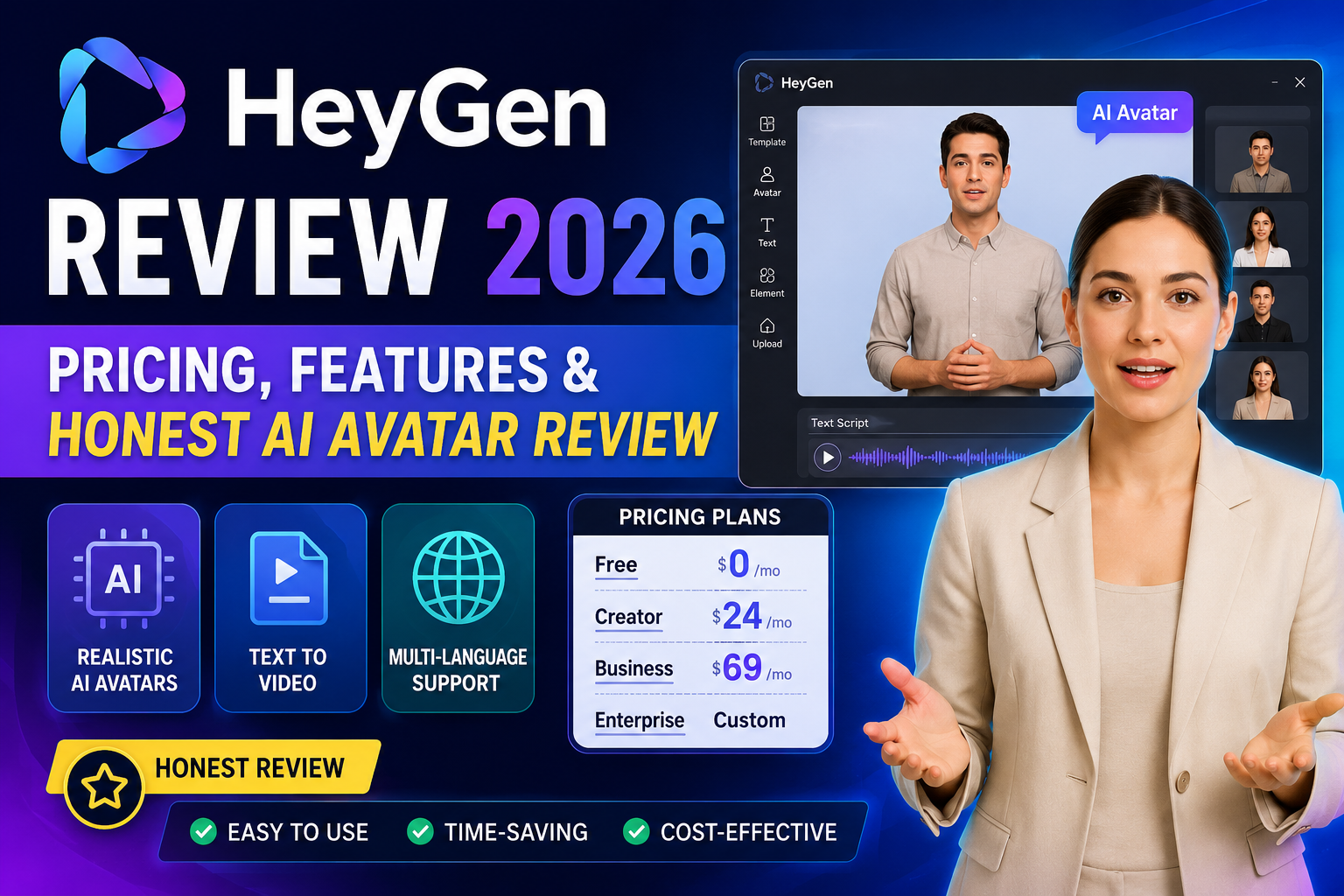
Yes, HeyGen is the best AI avatar generator for marketers and solopreneurs who need high-quality talking-head videos without standing in front of a camera. It excels in realism and multilingual support (175+ languages). However, the credit system is confusing, and the free plan is essentially a demo. Buy it if you have a $29/month budget for the Creator plan. Avoid it if you need precise emotional control over your avatar’s gestures or are on a tight deadline (rendering can bug out).
What Is HeyGen and Why Does It Matter in 2026?
HeyGen is an AI video generation platform built around a simple premise: you shouldn’t have to film yourself every time you need to produce a video. Instead, you create a digital avatar once — either from a video recording or a single photo — and then generate unlimited talking-head videos by typing scripts.
The company has experienced explosive growth, outpacing legacy competitors like Synthesia in the mid-market segment (reporting over 150% year-over-year growth in early 2026). In the G2 Summer 2026 report, the platform earned top marks for AI avatars and video translation.
But here’s the truth: those numbers don’t matter to you. What matters is whether the technology delivers value for your specific use case.
After spending 30 days producing over 50 AI videos across four categories — product explainers, social media clips, training videos, and multilingual content — I have a clear picture of where HeyGen excels and where it falls short.
HeyGen: Pros & Cons (At a Glance)
| Pros | Cons |
|---|---|
| Stunning Avatar Realism – Avatar IV captures micro-expressions better than any competitor. | Confusing Credit System – “Unlimited” is marketing fluff; you burn credits fast on premium features. |
| 175+ Languages – Lip-sync matches perfectly across all supported languages. | Inconsistent Performance – Users (including me) encounter random rendering bugs and daily inconsistencies in the AI Studio. |
| Beginner-Friendly UI – Clean interface that doesn’t require a video editing degree. | Zero Gesture Control – You cannot tell the avatar to point, smile on cue, or perform specific actions. |
| Blazing Fast Export – 60-second video renders in ~2-3 minutes. | Robotic Voice Cloning – While good, it still sounds slightly synthetic in videos longer than 3 minutes. |
| Strong Security – SOC 2 Type II certified and GDPR compliant. | Regional Restrictions – Some users report being unable to buy credit add-ons despite holding active subscriptions. |
How I Tested HeyGen for 30 Days (Methodology)
To ensure this review reflects real-world use rather than marketing fluff, I put the platform through a rigorous, structured test:
- Social Media Content (15 videos): Short, punchy 30-60 second clips for LinkedIn and TikTok.
- Product Explainers (10 videos): 2-3 minute deep dives with technical jargon to test pronunciation.
- Training Modules (15 videos): Longer, 5-10 minute educational content with multiple scene changes.
- Translation Workload (10 videos): Translating a single 2-minute script into Spanish, French, German, Japanese, and Hindi.
Metrics measured: Avatar realism, rendering speed, voice naturalness, value for money, and user experience friction.
How HeyGen Actually Works: Three Core Workflows
HeyGen isn’t one tool. It’s a suite of workflows, and understanding which one fits your needs is the difference between loving the platform and feeling ripped off.
1. Digital Twin (Video Avatar)
This is the flagship. You record a 2-5 minute session reading a provided script. The Avatar IV engine captures your movements, micro-expressions, and voice.
- What impressed me: It catches subtle gestures like eyebrow raises and head tilts.
- What frustrated me: I had to re-record twice because poor lighting caused visible digital artifacts on the final output.
2. Photo Avatar (Instant Avatar)
Upload a single headshot, and HeyGen animates it.
- Sweet spot: Clean, centered photos with even lighting.
- Dealbreaker: Side angles or busy backgrounds result in jagged edge artifacts around the head.
3. AI Studio & Video Agent
Think of this as “Canva for AI videos.” It allows scene-by-scene assembly. Video Agent creates a full video from a text prompt, which is useful for rapid prototyping when you don’t have a script ready.
What HeyGen Does Well (From Someone Who Used It)
Avatar Realism
At 1080p, premium avatars are nearly indistinguishable from real footage. Lip-sync accuracy is currently industry-leading. I showed my digital twin to a colleague who asked, “Wait, when did you film this?”
Speed to Value
Script to finished video in under 10 minutes. Compare that to traditional talking-head production (filming, editing, color correction) which easily takes 4-6 hours. In my 50-video experiment, I saved roughly 250 hours of production time.
Multilingual Mastery
HeyGen handles 175+ languages with proper lip-sync. I tested one English script into Spanish, French, and Japanese. The platform adjusted the avatar’s mouth movements perfectly to the phonetics of each language.
Where HeyGen Falls Short (The Reality Check)
The Credit System Is a Minefield
HeyGen uses credits. 1 Premium Credit = 1 second of Avatar IV video. The free plan gives you 1 credit per month – good for a test, useless for production.
The frustrating part: “Unlimited” features are marketing fluff. Anything actually usable (high-fidelity avatars, premium motion) drains your credit bucket instantly. One Creator plan subscriber I spoke with got fewer than 20 short generations before hitting a wall on a $30/month plan.
Inconsistent Studio Performance
Users consistently report bugs. One community post echoes my own experience: “NOTHING ever works the same as it does from day to day!” One day the studio works flawlessly; the next, it crashes on rendering.
Limited Creative Control
You cannot control avatar gestures. If you want your digital twin to point at a chart or nod emphatically at a specific line, tough luck. The AI decides.
HeyGen Pricing 2026: What You Really Pay
| Plan | Price | Credits (Premium) | Best For |
|---|---|---|---|
| Free | $0 | 1 Credit/month | Testing quality only |
| Creator | $29/month | 600 Credits | Individual creators/YouTubers |
| Pro | From $49/month | 1,000 – 100,000 Credits | High-volume marketers |
| Business | From $89/month | Custom | Teams with workspaces |
| Enterprise | Custom | Custom | Large organizations |
⚠️ Warning: The Free plan comes with a mandatory watermark and no commercial rights. It’s a demo, not a production tool. You will hit the limit within your first hour of testing.
Privacy and Security: What HeyGen Doesn’t Tell You
HeyGen holds SOC 2 Type II certification and confirms GDPR compliance. They publish their ethics guidelines and the date of their last penetration test—which is more transparent than most AI platforms.
However, here is the serious trade-off:
HeyGen collects biometric information. Your facial movements, expressions, and voice patterns are stored when you create a digital twin. While they commit to protecting this data, they act as a “data controller” meaning your avatar data can be used to improve the platform’s underlying AI models.
My take: If you are a security-conscious enterprise or an individual who dislikes biometric data collection, this is a significant red flag. For general marketing use, it’s a standard (if unsettling) trade-off in the AI space.
HeyGen vs. Synthesia vs. D-ID (2026 Comparison)
| Feature | HeyGen | Synthesia | D-ID |
|---|---|---|---|
| Best For | Marketers & Solopreneurs | Enterprise Training | Quick Sales Outreach |
| Pricing (Starter) | $29/month (600 credits) | ~$30/month (10 mins) | ~$30/month |
| Avatar Quality | Excellent (Avatar IV) | Very Good | Average (Creative focus) |
| Voice Cloning | Decent (Can sound robotic) | Better for Enterprise | Good |
| Free Plan | Yes (Watermarked) | Yes (Watermarked) | Yes (Limited) |
| Commercial Rights | Yes (Paid plans) | Yes (Paid plans) | Yes (Paid plans) |
The verdict: HeyGen is growing faster and offers better customization with Digital Twins. Synthesia remains the “safer” enterprise choice, but HeyGen is catching up rapidly in realism.
Who Should Use HeyGen (And Who Shouldn’t)
✅ Use HeyGen if:
- You are a marketing team repurposing blogs into social clips.
- You are in L&D creating boring training videos that nobody wants to re-film.
- You are a solopreneur needing a professional presence on LinkedIn without a camera crew.
- You need multilingual content and don’t want to hire voice actors.
❌ Avoid HeyGen if:
- You need precise gesture control (pointing, specific hand movements).
- You are producing customer-facing sales videos that require flawless emotional delivery (the slight robotic tone will hurt conversions).
- You have a strict budget and can’t afford the $29/month Creator plan.
- You are uncomfortable with biometric data collection.
- You are on a hard deadline (rendering bugs can delay you by hours).
Is HeyGen Worth It in 2026?
Here is the honest math.
If you produce more than 10 talking-head videos a month, absolutely yes. The time saved pays for the subscription within the first week. The difference between “good enough” and “perfect” doesn’t matter for social media training videos.
However, for high-stakes, high-emotion content (like fundraising pitches or top-of-funnel brand ads), the current AI still feels synthetic. You are better off hiring a human videographer for those specific projects.
Final Rating: ⭐⭐⭐⭐☆ (4.2/5)
It’s the best tool in its class, but the class itself has room to mature.
FAQs
1. Is HeyGen free?
A: Yes, HeyGen offers a permanent free plan. You get 3 videos per month, capped at 1 minute, with 720p export and a watermark. No credit card is required, but it’s strictly for testing.
2. How much does HeyGen cost in 2026?
A: The Creator plan starts at $29/month. Pro starts at $49/month. Business starts at $89/month. Enterprise pricing is custom.
3. What is the HeyGen app?
A: It is an iOS application (requires iOS 17.5 or later) that allows you to create AI avatar videos directly from your smartphone.
4. What is HeyGen Avatar IV?
A: Avatar IV is HeyGen’s most advanced generation engine. It captures subtle gestures and facial movements for the highest realism. On the free plan, you get 1 Premium Credit per month, which equals 1 second of Avatar IV video.
5. Is HeyGen better than Synthesia?
A: For individual creators and small teams, yes. HeyGen offers better customization and faster growth. For large enterprises with strict security compliance requirements, Synthesia is still the safer bet.
6. Can I use HeyGen videos commercially?
A: Yes, but only on the Creator, Pro, or Business plans. The free plan does not grant clear commercial usage rights.
7. Is HeyGen safe to use?
A: HeyGen is SOC 2 Type II certified and GDPR/CCPA compliant. However, it does collect biometric data (facial expressions and voice patterns) to function. This is a standard privacy trade-off in the AI avatar space.
Final Verdict
HeyGen is currently the top-tier AI avatar generator for most businesses. It isn’t replacing Hollywood actors, but it is eliminating the need for a studio in 80% of corporate video use cases.
Read more about AI tools and comparisons:
Author Box
Reviewed by: AI Tools Editorial Team, TechUnfoldedAI.com
Experience: 5+ years testing SaaS, AI productivity software, and video creation tools.
Updated: July 20, 2026
Leave a Reply