
Pika AI is a text-to-video generation platform launched in April 2023 by Demi Guo and Chenlin Meng, two Stanford AI PhD dropouts. The company has raised $135 million across multiple rounds—including an $80 million Series B in June 2024 led by Spark Capital—and hit a reported valuation of roughly $470 million to $700 million by 2026.
But funding numbers don’t make a product great. What actually matters is whether Pika can generate videos you’d actually want to use.
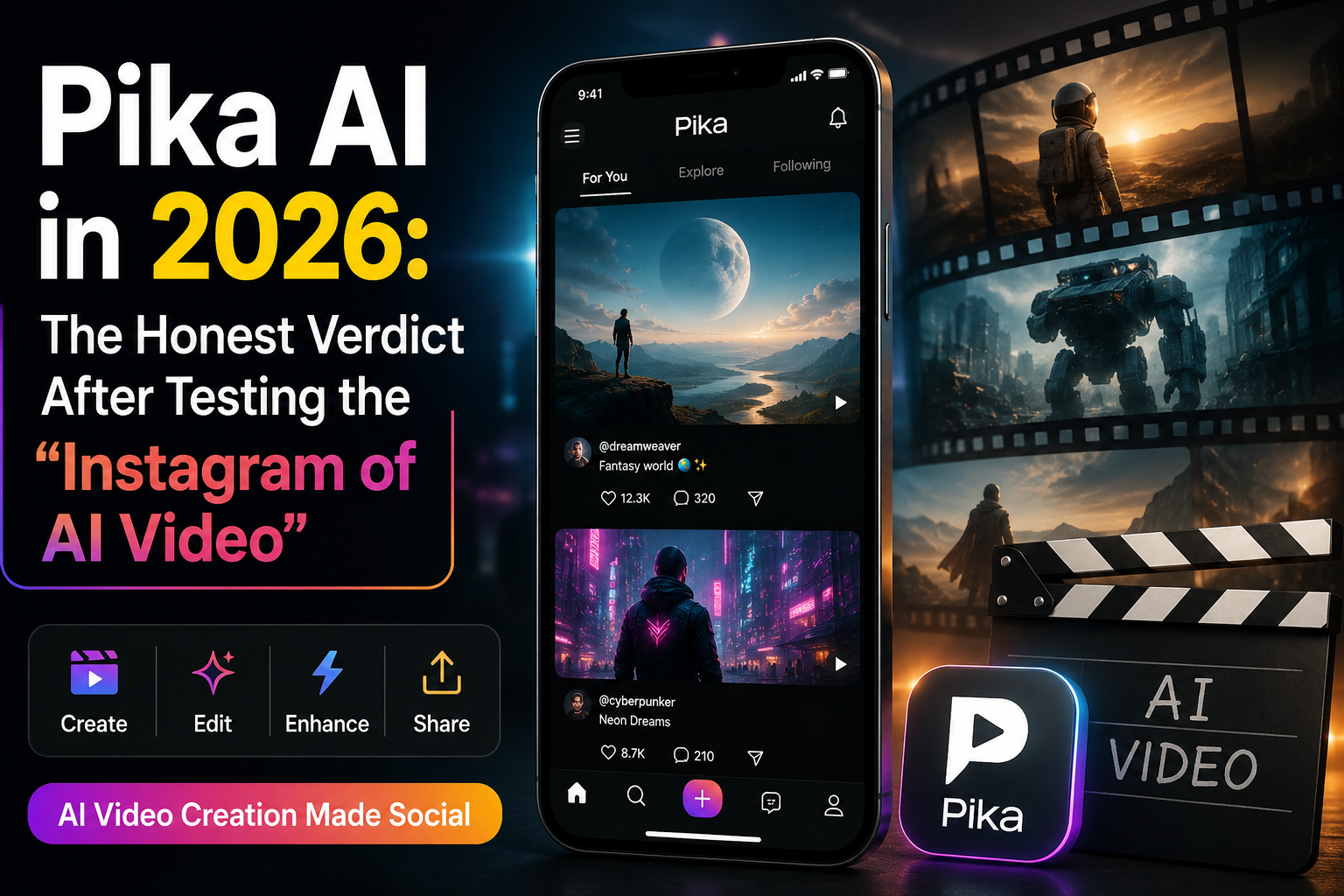
After reviewing Pika’s evolution from its early releases to the flagship Pika 2.5 model in 2026, and analyzing extensive hands-on tests and user feedback, one thing becomes clear: the company is not chasing Hollywood-level filmmaking. Its real goal is making AI video creation simple enough for anyone. Pika is the Instagram of AI video. It’s fun, fast, aesthetically pleasing, and shallow. That’s not necessarily a criticism. Instagram has a billion users. But it tells you exactly what Pika is and isn’t.
Table of Contents
- Introduction: What Actually Is Pika AI in 2026?
- The Director’s Suite: Pika’s Boldest Bet Yet
- Pika 2.5: What the Latest Model Actually Delivers
- Pika AI Pricing: The Catch Nobody Talks About
- Real-World Performance: What Works and What Doesn’t
- Pika AI vs Runway vs Sora vs Others: Where Does It Actually Stand?
- The AI Selves Experiment: Digital Twins or Dystopian Fever Dream?
- Limitations Nobody Mentions
- Who Should Use Pika AI (And Who Shouldn’t)
- FAQs
- Final Verdict
The Director’s Suite: Pika’s Boldest Bet Yet
In mid-2026, Pika released something genuinely interesting: Director’s Suite, an agent-driven interface powered by Claude.
Here’s the problem it solves. Most AI video tools treat every generation as an isolated event. You prompt, you get a clip, you start over. The tool forgets everything you told it. Director’s Suite keeps context—character names, tone, visual style, storyboard—across your entire project.
You can talk to it like a collaborator. No special syntax. Voice or text. It builds from a rough idea, character description, or finished script, generates clips, arranges them on a timeline, and keeps refining.
What’s been made with it? A sitcom pilot, a character-driven short film, 45-second ads, an animated short, a music video, and a documentary-style video.
The catch: It’s labeled a “Pika Experiment”—intentionally rough around the edges. This is a research preview, not a polished product. But it signals where Pika is heading: away from one-off clip generation and toward actual filmmaking workflows.
Pika 2.5: What the Latest Model Actually Delivers
Pika 2.5 is the current flagship model as of mid-2026, released in early 2026. Here’s what it actually does:
- Resolution: Up to 1080p on paid plans. Free users are locked to 480p.
- Duration: Maximum 10 seconds, with scene extension up to roughly 25 seconds via the Pikaframes pipeline.
- Speed: Generates clips in 15 to 30 seconds, roughly three to five times faster than Runway for equivalent content.
- New in 2.5: Studio timeline editing, physics-aware motion, integrated sound effect generation, and an upgraded Lipsync model.
| Feature | What It Does |
|---|---|
| Pikaffects | One-click effects: melt, explode, squish, levitate, cakeify |
| Pikadditions | Insert characters/objects into existing video while preserving original footage |
| Pikaswaps | Replace objects in video using text prompts or brush selection |
| Pikaframes | Keyframe transitions enabling scene extension up to 25 seconds |
| Pikatwists | One-click dynamic motion effects |
| Pikaformance | Audio-driven lip-sync |
The reality check: Pika 2.5 is described as the “strongest entry yet” from Pika Labs, but it still trails the most photorealistic flagships on face fidelity and broadcast-grade resolution.
Pika AI Pricing: The Catch Nobody Talks About
Let’s talk money. Pika offers four plans:
| Plan | Annual Price | Monthly Price | Credits/Month | Watermark-Free | Commercial Use |
|---|---|---|---|---|---|
| Free (Basic) | $0 | $0 | Varies | No | No |
| Standard | ~$8/mo | ~$10/mo | 700 | No | No |
| Pro | ~$28/mo | ~$35/mo | 2,300 | Yes | Yes |
| Fancy | ~$76/mo | ~$95/mo | 6,000 | Yes | Yes |
Prices may vary depending on region and billing cycle.
Here’s the critical detail most reviews gloss over: Standard plan does not include watermark-free downloads or commercial use rights.
If you’re making content for any professional or client purpose, Standard is essentially a higher-credit free tier—not a production plan. You pay ~$10/month and still export watermarked videos you can’t use commercially. The “Pro” plan is the real entry point for professional use.
Free plan restrictions beyond the table:
- Pika 2.5 at 480p only (paid plans unlock 720p and 1080p)
- Pikaffects limited to Image-to-Video only (no Video-to-Video Pikaffects)
- No Pikaframes (keyframe control is paid-only)
- Generation speed is standard (not fast)
Real-World Performance: What Works and What Doesn’t
Here’s what users and testers are finding across common use cases.
Test 1: Social Media Content
Prompt: “Trendy fashion shoot of clothes on a pastel background, flat lay style, with floating fabric”
Pika generated a 3-second clip showing animated fashion photography. The clothes rendered well with subtle floating motion. The pastel aesthetic translated effectively. Ready for social media out of the gate.
Test 2: Character Animation
Prompt: “Cute cartoon character dancing happily in a disco, fun animation style”
Smooth motion. Appropriate energy. Character consistency held well throughout the clip. This is where Pika shines—stylized, fun content.
Test 3: Artistic Expression
Prompt: “Abstract art moving like lava lamp, colorful blobs merging and separating, psychedelic aesthetic”
Fluid motion looked natural. Color transitions were smooth. Pika handles abstract and stylized content better than realistic footage.
The real workflow: The path to good AI video isn’t “generate and publish.” It’s “generate, select, edit, evaluate, and assemble”. Pika produces raw material, not finished products.
Pika AI vs Runway vs Sora vs Others: Where Does It Actually Stand?
Here’s the 2026 competitive landscape:
| Pika 2.5 | Runway Gen-4 | Sora 2 | Google Veo 3.1 | Kling 2.5 | |
|---|---|---|---|---|---|
| Max Resolution | 1080p | 1080p | 4K | 4K | 1080p+ |
| Max Duration | 10-25 sec | 16 sec | 60 sec | Variable | 120 sec |
| Best For | Budget, speed, beginners | Editing tools, character consistency | Photorealism, cinematic quality | High fidelity, native audio | Longer clips, strong motion |
| Price (entry) | Free / $8-10/mo | ~$15/mo | ~$20/mo | Via Vertex AI | Competitive |
| Strengths | Fastest generation, most accessible | Most editing control | Best physics, longest clips | Google DeepMind quality | Long clip support |
| Weakness | Short duration, lower realism | Slower, pricier | Most expensive, slowest | Limited availability | Newer entrant |
The expert take: Runway treats AI video as a creative editing medium, not just a text-to-video vending machine. Sora is the gold standard for photorealism and cinematic quality. Pika is the best budget option for rapid prototyping and social media content.
One industry observer put it bluntly: “For quick ideation Pika makes sense, but for narrative continuity and production-ready outputs, the newer multi-scene models look far more practical”.
The AI Selves Experiment: Digital Twins or Dystopian Fever Dream?
In February 2026, Pika launched AI Selves—a platform for creating persistent digital clones by uploading a selfie, recording your voice, and answering personality questions.
These AI clones can operate across Slack, Discord, WhatsApp, Telegram, and other platforms—chatting, creating content, and “even earning money for their humans”.
The framing: Users “birth” their clones, then watch them learn and evolve. They’re designed to develop personality quirks, send unprompted messages, and adapt behavior across contexts.
The practical use cases: A content creator whose AI self makes thousands interacting with fans while the human learns to surf. A founder whose clone handles team syncs and investor emails.
The dystopian reality check: “The narcissism alarm bells are hard to ignore”. Creating an AI version of yourself that performs your personality while you do literally anything else could accelerate the most self-absorbed tendencies of digital culture.
But Pika also suggests psychological benefits—the example of someone who creates an idealized pop-star version of themselves and finds the clone’s confidence bleeding back into their own life. The AI self as a mirror that talks back.
Is this useful or terrifying? Probably both. But it shows Pika isn’t just a video tool anymore—it’s building an ecosystem around AI identity.
Limitations Nobody Mentions
Let’s be honest about what Pika doesn’t do well.
1. Short duration cap. Pika generates clips up to 10 seconds on 2.5 (with scene extension to ~25 seconds via Pikaframes). That’s still not suitable for product demos, e-learning, or longer format content. You’re stitching clips together for anything beyond social media snippets.
2. Single-model architecture. Unlike competitors offering multiple model options, Pika uses a single model. You can’t switch to higher-quality outputs when needed.
3. Temporal consistency issues. Characters and objects can morph or disappear between frames. This has improved but hasn’t disappeared in 2.5.
4. API access is indirect. Pika does not publish a first-party REST API on its main domain; production API access is provided through partner aggregators like fal.ai. If you’re a developer wanting programmatic access, you’re going through a third party.
5. Output looks AI-generated. Pika’s stylized output is artistically appealing but clearly AI-generated. If you need photorealistic footage that passes for real, Pika isn’t your tool.
Who Should Use Pika AI (And Who Shouldn’t)
| Use Pika | Avoid Pika if |
|---|---|
| You’re creating short-form social media content (TikTok, Instagram Reels, YouTube Shorts) | You need clips longer than 10-25 seconds |
| You need fast iteration for concept testing or A/B testing | You require photorealistic output that doesn’t look AI-generated |
| You’re a beginner who wants the lowest learning curve | You need commercial rights without paying for the Pro plan |
| You value speed and accessibility over photorealism | You’re building a production workflow that requires a direct API |
| You’re on a tight budget and need the free tier for experimentation | You need broadcast-grade resolution or face fidelity |
FAQs
1. What is Pika AI?
2. Is Pika AI free?
A: Yes. Pika offers a free Basic plan with limited generations. However, free users are limited to 480p resolution, cannot use Pikaframes, and exports include watermarks that cannot be used commercially.
3. How much does Pika AI cost in 2026?
A: Pika offers four plans. The Standard plan is ~$10/month (700 credits, watermarked, no commercial use), Pro is ~$35/month (2,300 credits, watermark-free, commercial use), and Fancy is ~$95/month (6,000 credits).
4. Is Pika AI better than Runway or Sora?
5. Does Pika AI have an API?
A: Not a first-party one. Pika does not publish a public REST API on its main domain. Programmatic access is available through partner aggregators like fal.ai, which host endpoints for Pika models.
6. Can I use Pika AI videos commercially?
A: Only if you’re on a Pro or Fancy paid plan. The Standard plan and Free plan do not grant commercial use rights.
Final Verdict
Pika AI Pros & Cons
| Pros | Cons |
|---|---|
| ✅ Extremely easy interface | ❌ Short video duration (10-25 sec) |
| ✅ Fast generation speed (15-30 sec) | ❌ Not cinema-grade realism |
| ✅ Great creative effects (Pikaffects) | ❌ Commercial rights require higher plans |
| ✅ Beginner-friendly free tier | ❌ No first-party API |
| ✅ Scene extension up to 25 seconds | ❌ Temporal consistency issues persist |
Pika AI is not trying to be the best AI video generator. It’s trying to be the most accessible one.
And in that, it succeeds. The interface is dead simple. Generation is fast. The social features—remixing, sharing, community prompts—are genuinely fun. For a content creator on a budget who needs to pump out short social media clips, Pika is a solid choice.
But if you’re expecting cinematic-quality footage that holds up next to traditional video production, you’ll be disappointed. Pika is for rapid prototyping, experimentation, and social media—not for narrative filmmaking or broadcast production.
The bottom line: Pika is a great entry point into AI video generation. The free tier lets you test meaningfully. The Pro plan unlocks real utility. Just don’t mistake it for a production-grade tool—and definitely don’t pay for Standard expecting to use your videos commercially.
Next steps: If Pika sounds right for you, start with the free tier at pika.art. If you need longer clips or better photorealism, check out our guides on Runway Gen-4 and Sora 2. For more AI tools across categories, see our latest AI tools roundup and free AI tools for 2026.
Leave a Reply